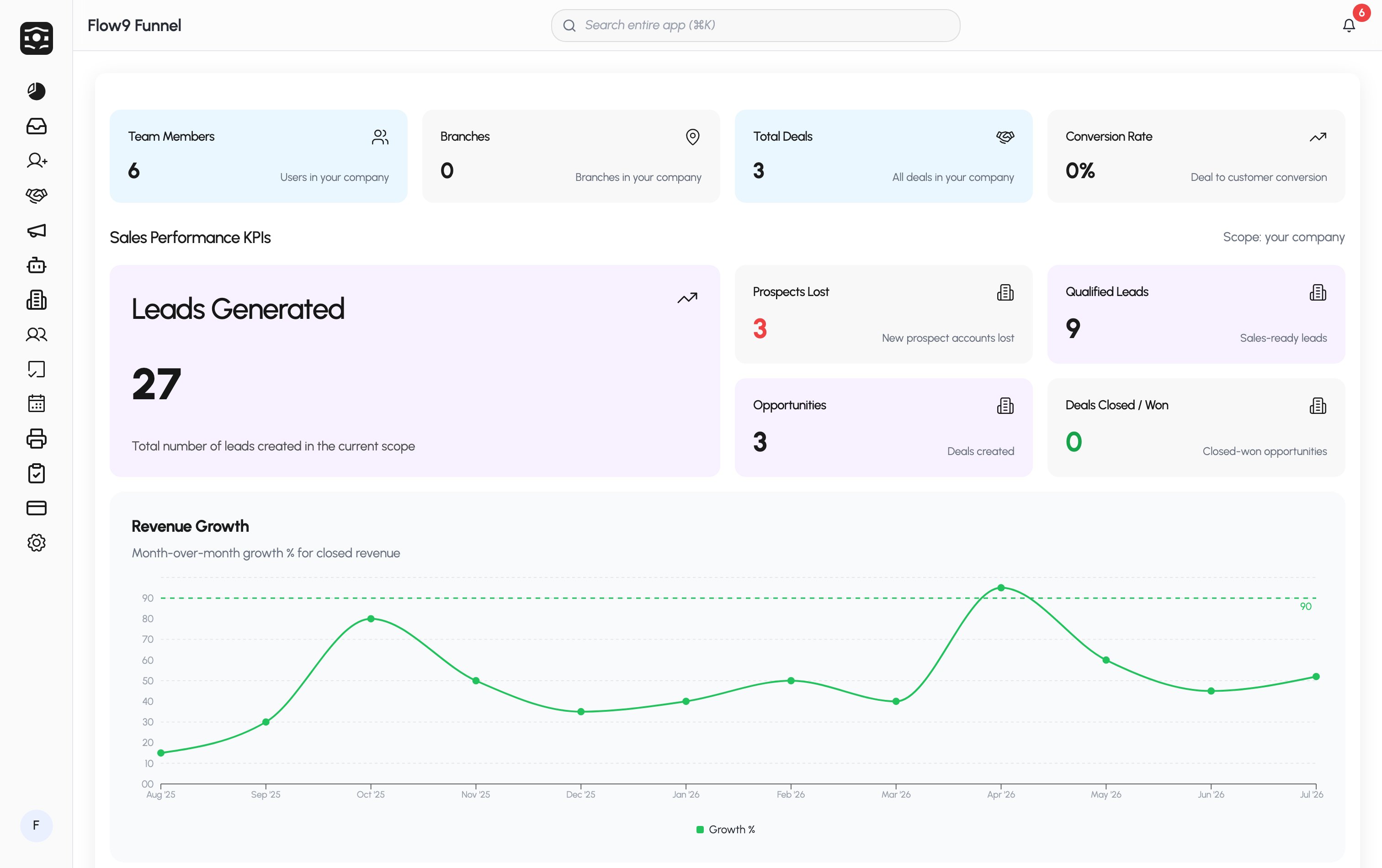
At the bottom of the sidebar, your avatar shows a progress ring while onboarding is incomplete, and the avatar menu carries a Complete onboarding (n%) shortcut. See Set up your workspace.
What you see depends on your role and your company’s plan — for example, Workforce and Fax appear only when enabled for your workspace, and Settings is visible to admins.
What you see depends on your role and your company’s plan — for example, Workforce and Fax appear only when enabled for your workspace, and Settings is visible to admins.